Sell live
Turn your live shows into a sales engine.
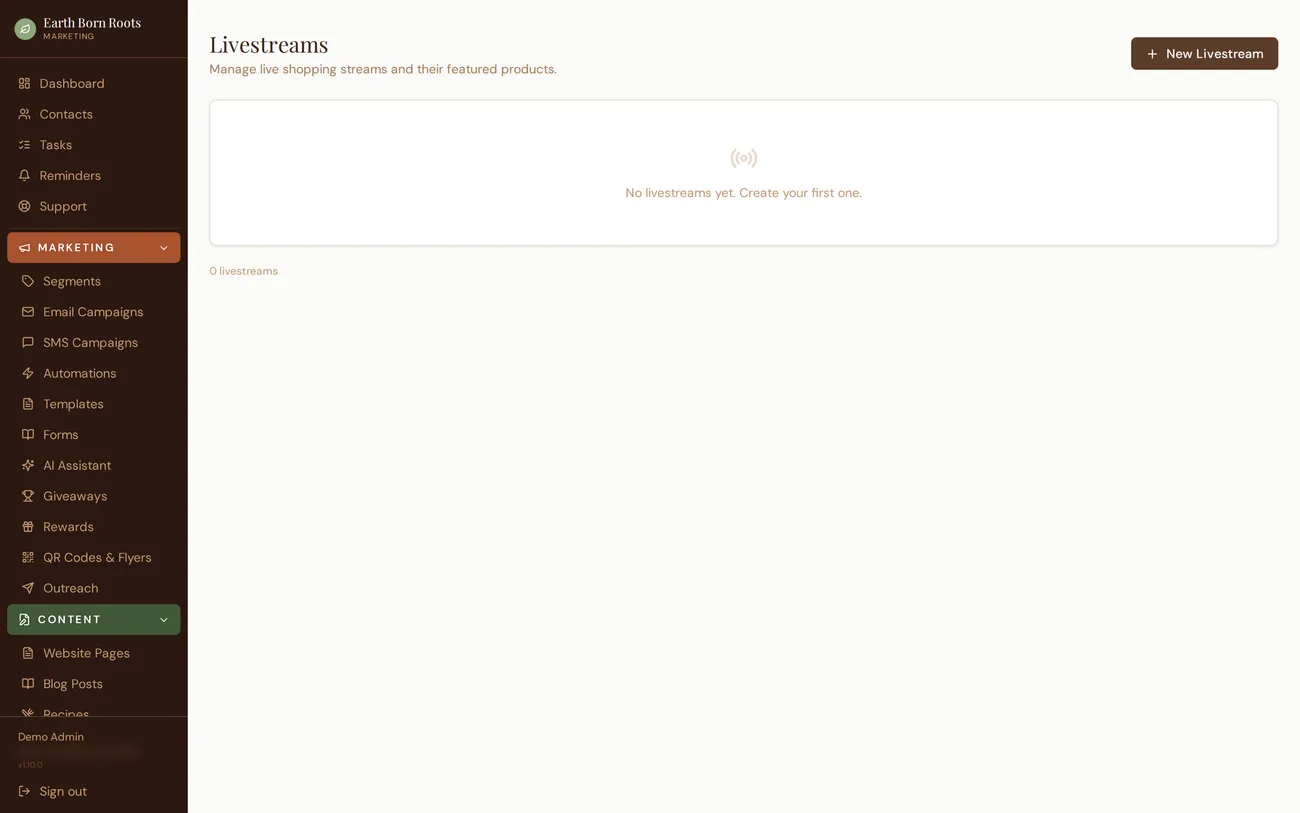
Connect your YouTube or Facebook stream, spotlight products as you show them, and take orders with auctions, claims, or direct purchase. Every sale is attributed to the show and drops straight into fulfillment.
How it works
From account to follow-up, in six steps.
- 1
Create your account
Get set up on Roots HQ and connect the sales channels you already use.
- 2
Add or import products
Build your catalog by hand or import it — plus bring in past sales from Whatnot, eBay, Etsy, Shopify and more.
- 3
Schedule your show
Create a live session, set the date, and link your YouTube or Facebook stream.
- 4
Go live
Spotlight products, open auctions, accept claims, and drop new items mid-show. An announcement can post to Instagram and Facebook automatically.
- 5
Fulfill orders
Every sale lands in one queue — buy shipping labels, arrange market pickup, or schedule local delivery.
- 6
Review analytics & follow up
See revenue attributed to the show, then follow up with buyers by email or SMS and send a recap.
Streams
Go live on the platforms your audience already watches.
Link a YouTube or Facebook stream to a live session in Roots HQ. During the show you control what's spotlighted, watch orders arrive, and see sales in real time — all from one control screen.
- YouTube and Facebook stream support
- A public live page on your own website while you stream
- Auto "we're live" announcements to Instagram and Facebook
- Post-show recap email to buyers
Auctions, claims & drops
Take bids, holds, and direct sales without leaving the show.
Open a product as an auction and close it when you're ready, or enable claims so the first valid comment wins a hold. Queue new items to drop mid-show to build urgency, and apply live-only promos to spotlighted items.
- Auctions with a live bid feed
- Claims and holds for one-of-a-kind items
- Scheduled product drops during the show
- Live-only promotions on spotlighted items
Attribution
Every order tied to the show that drove it.
Orders placed during a live session are attributed to it automatically. After the show, the session summary tells you exactly how much revenue it generated — no manual tagging, and it feeds straight into your unified sales and P&L.
- Sales auto-attributed to the active session
- Per-show revenue in reporting
- Feeds unified sales and profit-and-loss
- Buyer list ready for follow-up
Session attribution: orders from the active stream are tagged automatically, so revenue per show is visible without any cleanup.
Live brings them in. Your storefront keeps them shopping.
Between shows, buyers keep browsing and checking out on your permanent storefront — same catalog, same fulfillment.
Explore storefronts →See how Roots HQ fits your business.
A guided walkthrough of the platform, mapped to how you sell.